Organization
In the broadest sense, the Mapped API provides access to a global data set of IoT information; the Organization you belong to defines what slice of that giant dataset you have access to view, interact with and report on.
Viewing your organization details
When logged in to the console, if you're on the Explore page then you'll see your organization displayed like this:
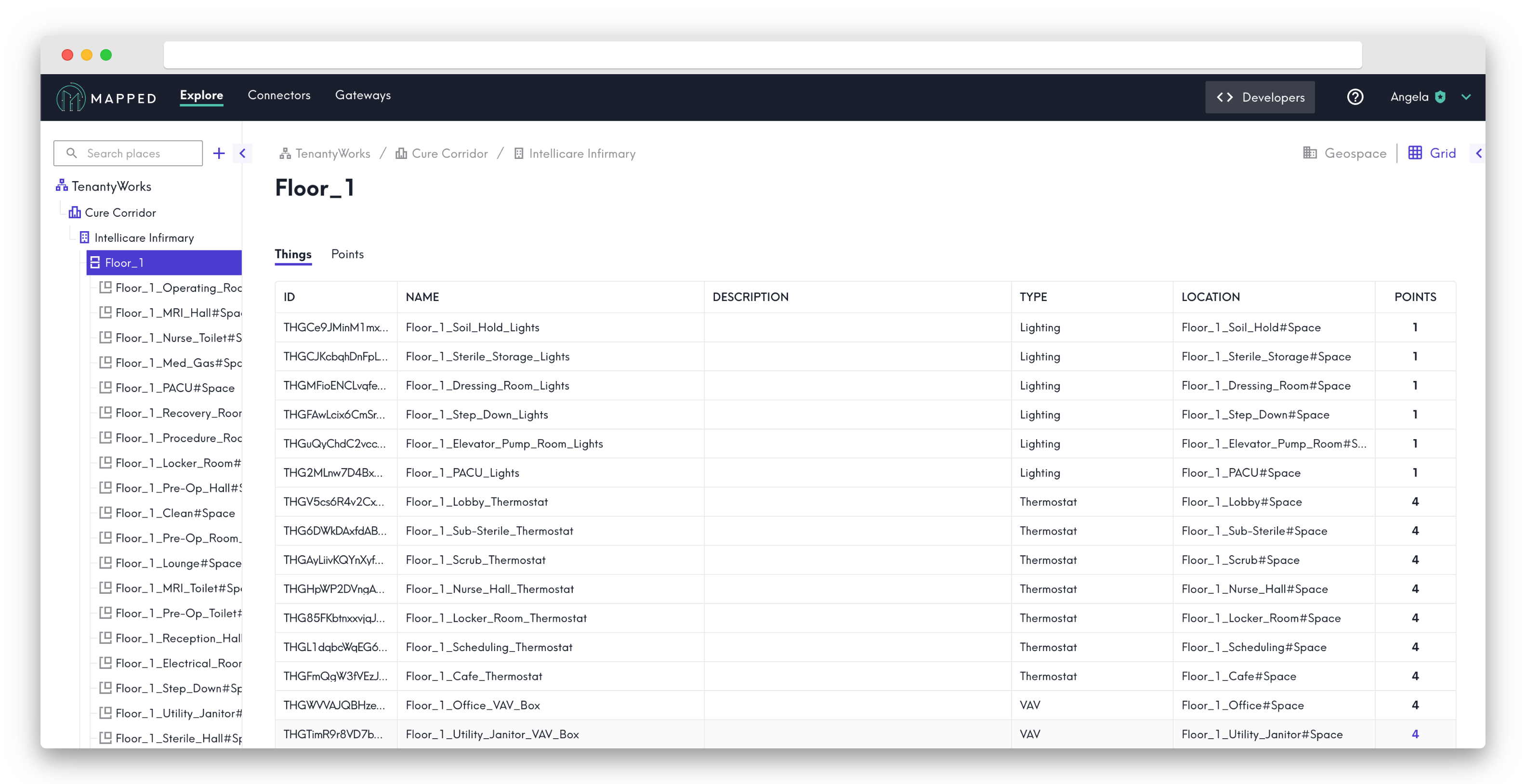
Via the API, the call to view your org would look like the following:
{
	organization {
		name
		id
	}
}
You can deep dive pretty far starting from the organization level - see your sites, buildings, and gateways:
{
  organization {
    name
    id
    sites {
      name
      buildings {
        name
      }
    }
    things {
      name
    }
  }
}
You can also get information unrelated to your location data, such as a list of users in your org or core info like the org's created date.
Editing your organization details
You're also able to make changes to some of your org data, like the org name. In the example below, we're changing the org name to "Mapped Sandbox 2.0" instead of "Mapped Sandbox":
mutation {
	updateOrganization(
		input: {
			org: { id: "ORG2qHLh7qwGgytgEz7zTiEik", name: "Mapped Sandbox 2.0" }
		}
	) {
		org {
			id
			name
		}
	}
}