Places
Within each of your Organizations are your Places. Places represent all the elements of your environment(s) - buildings, a floor on a building, or a space on a floor (like an office). Mapped enables you to view the data as broad or precise as you want - view all the buildings associated with your organization, or drill down to a specific space with real people interacting with devices.
The Place Hierarchy breaks down like this:
- Sites - the overview of a geographical area, containing one or more buildings
- Buildings - physical buildings with one or more floors
- SubBuildings - A subdivision or wing of a larger building
- Floors - each floor in a building, where spaces exist
- Spaces - offices, common areas, bathrooms and similar
- Zones - a collection of Places controlled by a Thing, like an area covered by an HVAC system
Each of these are top level queries, meaning you can start a GraphQL request at any of those points (depending on what data you need). For example, if you want to retrieve device data for a specific floor, no need to start with a site or a building - jump right to it by including the floor id in a filter:
{
	floors(filter: { id: { eq: "FLR8R1K5f9HtjRtVgohCAEGas" } }) {
		id
		things {
			id
			name
		}
	}
}
But if you want to get all the things on all the floors for all the buildings in your org, you can do that, too:
{
	buildings {
		id
		name
		floors {
			id
			name
			things {
				id
				name
			}
		}
	}
}
Note that the ID format, including the number of characters, may vary from those displayed in the samples here. Once a place has an ID assigned, that ID will never change, however we do not recommend placing any kind of validation on format or character count.
Sites
Each organization can have multiple Sites and each site can have multiple buildings. On our portal, the Site view looks like this:
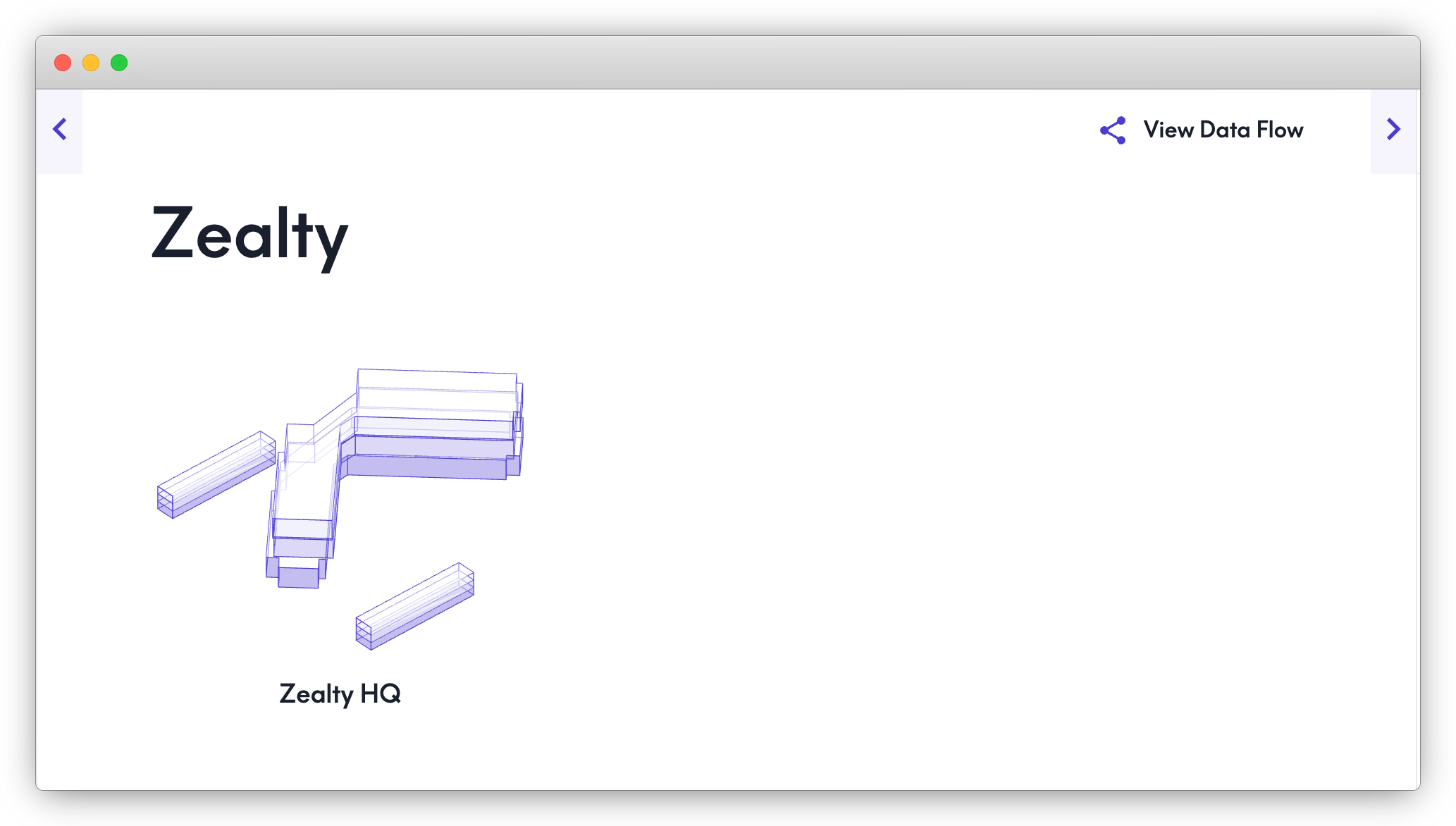
Via the API, the call to retrieve the data about the sites would look like this:
{
    sites {
      name
      id
    }
  }
Buildings
Each site will contain one or more buildings, which are digital representations of real, physical buildings with a Mapped gateway setup:
In our portal, this looks something like this:
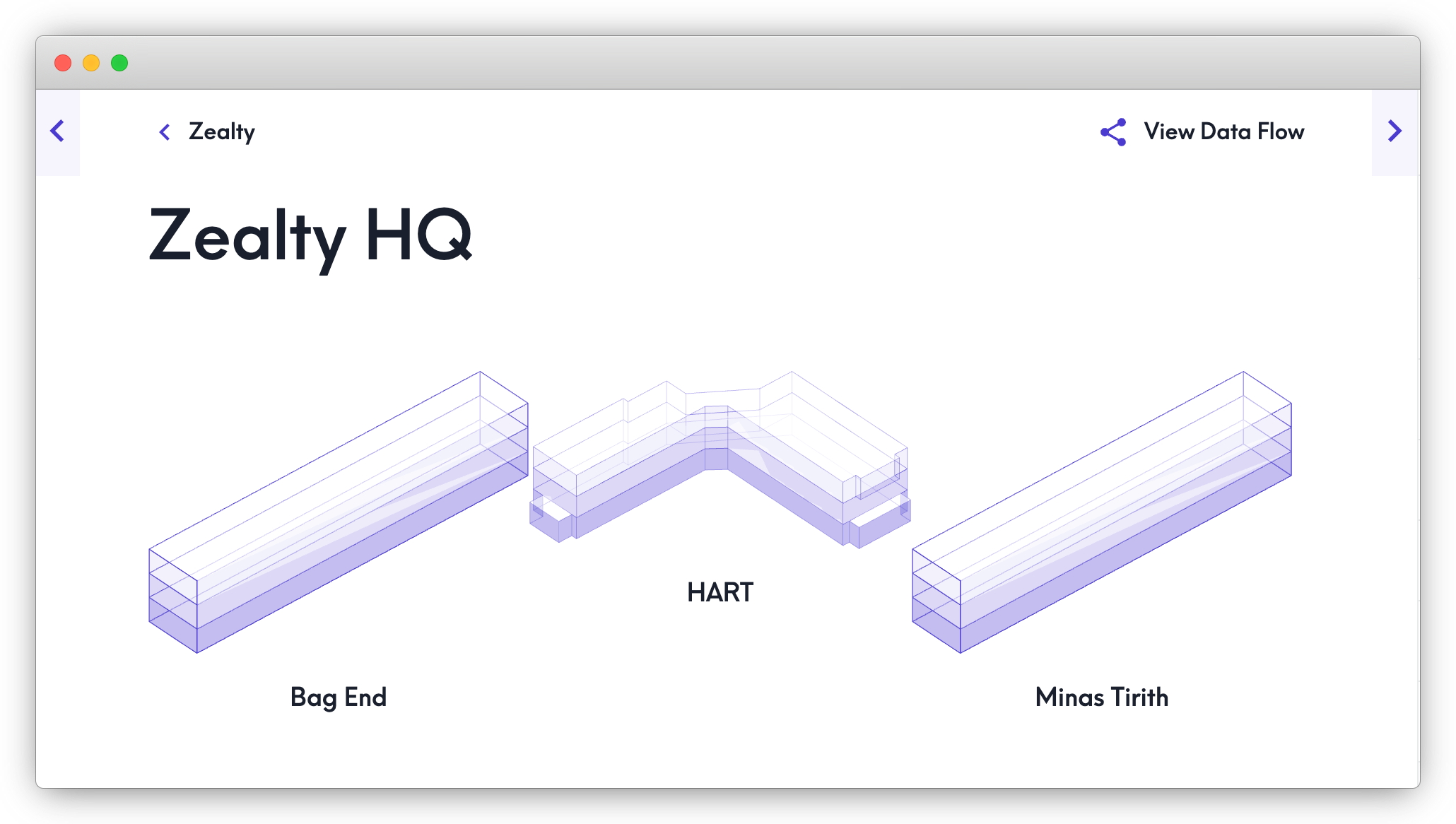
Via the API, the calls would like the following:
Note: we're including a specific site ID, but if you only have one site or want a complete list of buildings across all sites, you can start right at "buildings"
{
	sites(filter: { id: { eq: "SITE44nUdjjbqSX1sEXuwEWucr" } }) {
		buildings {
			id
			name
		}
	}
}
SubBuildings
SubBuildings are optional entities that help you manage properties with multiple subdivisions or auxiliary structures at a single physical address. You can query the SubBuildings that belong to a specific Building:
{
  buildings(filter:{id:{eq:"BLDGh3Tq7WrLp5Zx9CvB2NdYmK"}}) {
    id
    name
    exactType
    subBuildings {
      id
      name
      exactType
    }
  }
}
Or you can query the SubBuildings and which Building they're part of:
{
  subBuildings {
	    id
	    name
	    exactType
	    isPartOf {
	      id
	      name
	      exactType
	    }
	  }
}
Floors
Floors returns data for each physical floor within a building; if the building is only one floor, you'll just have one set of data here. If it's a high rise building in downtown Los Angeles, maybe you have 70 - the Burj Khalifa, 163.
in the portal, this would look like the following:
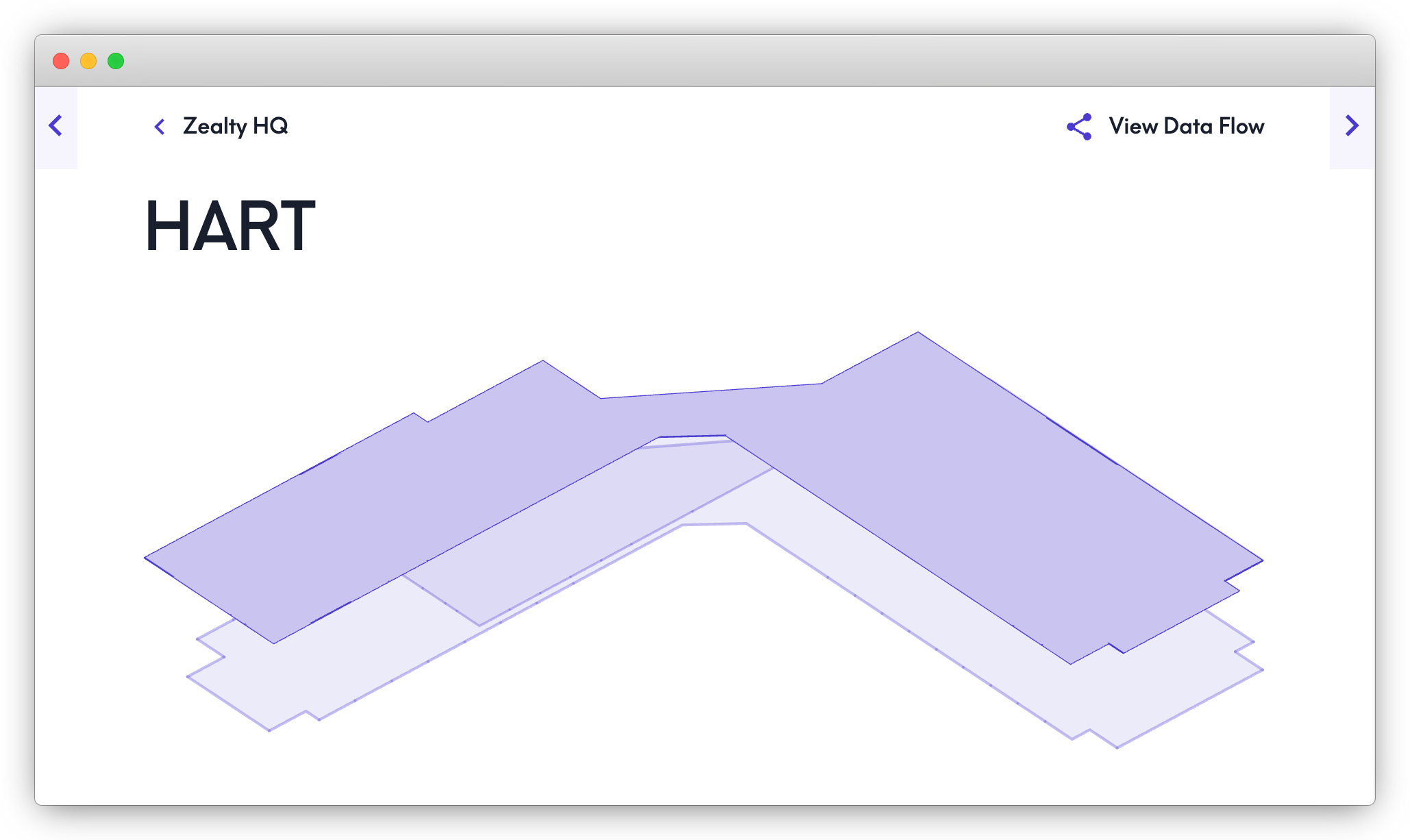
In the API, the calls would look like this:
{
   buildings(filter: { id: { eq: "BLDG5o26DguWKu5T9nRvSYn5Em" } }) {
     floors {
       name
       id
     }
   }
 }
Spaces
Next in our Place Hierarchy are Spaces - Spaces are the individual areas on a floor where people & devices interact - offices, common areas, break rooms, restrooms and similar.
In the portal, the representation of all spaces on a floor would look something like this:
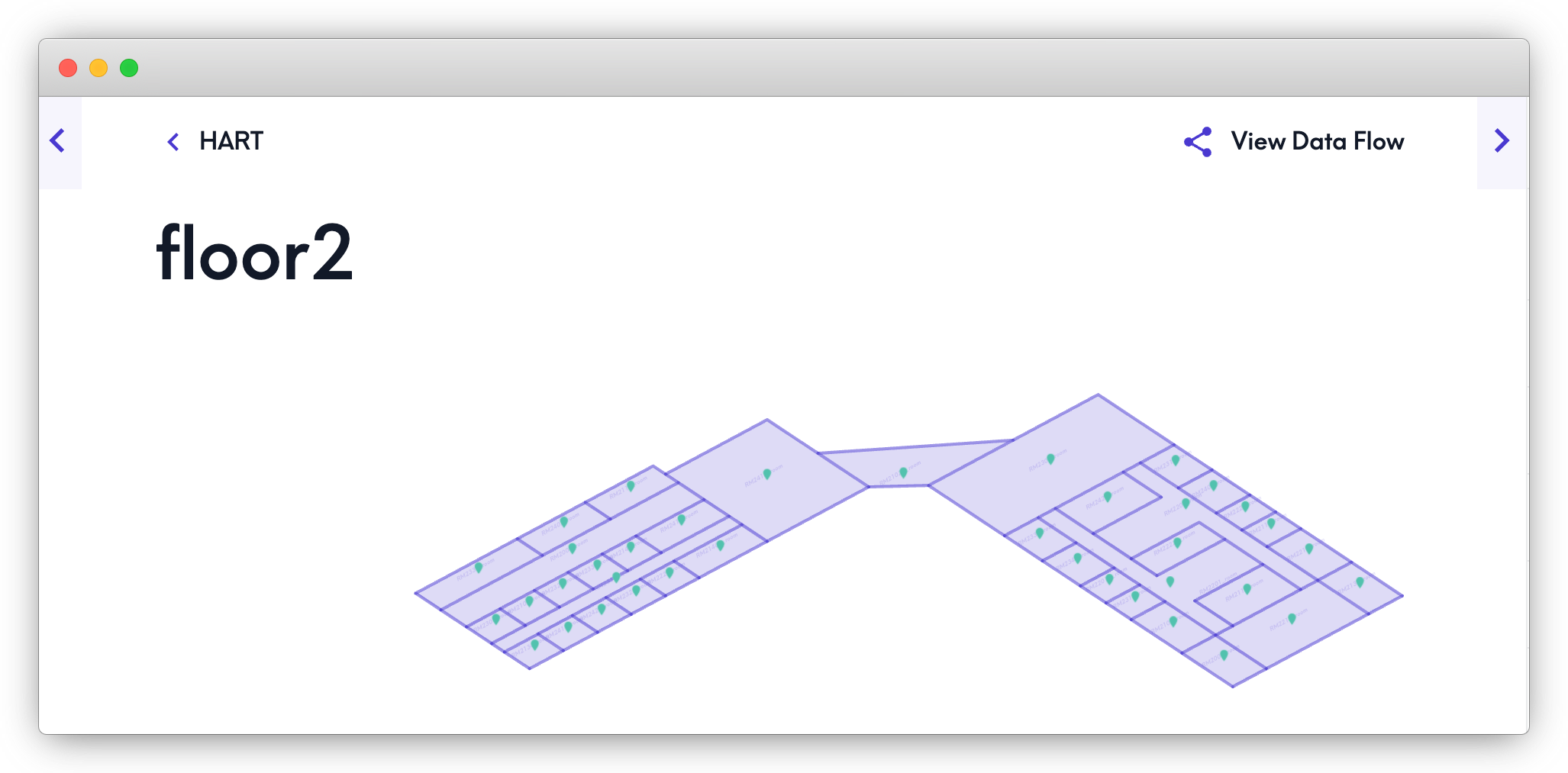
Where if you drill down to an individual space, it would look something like this:
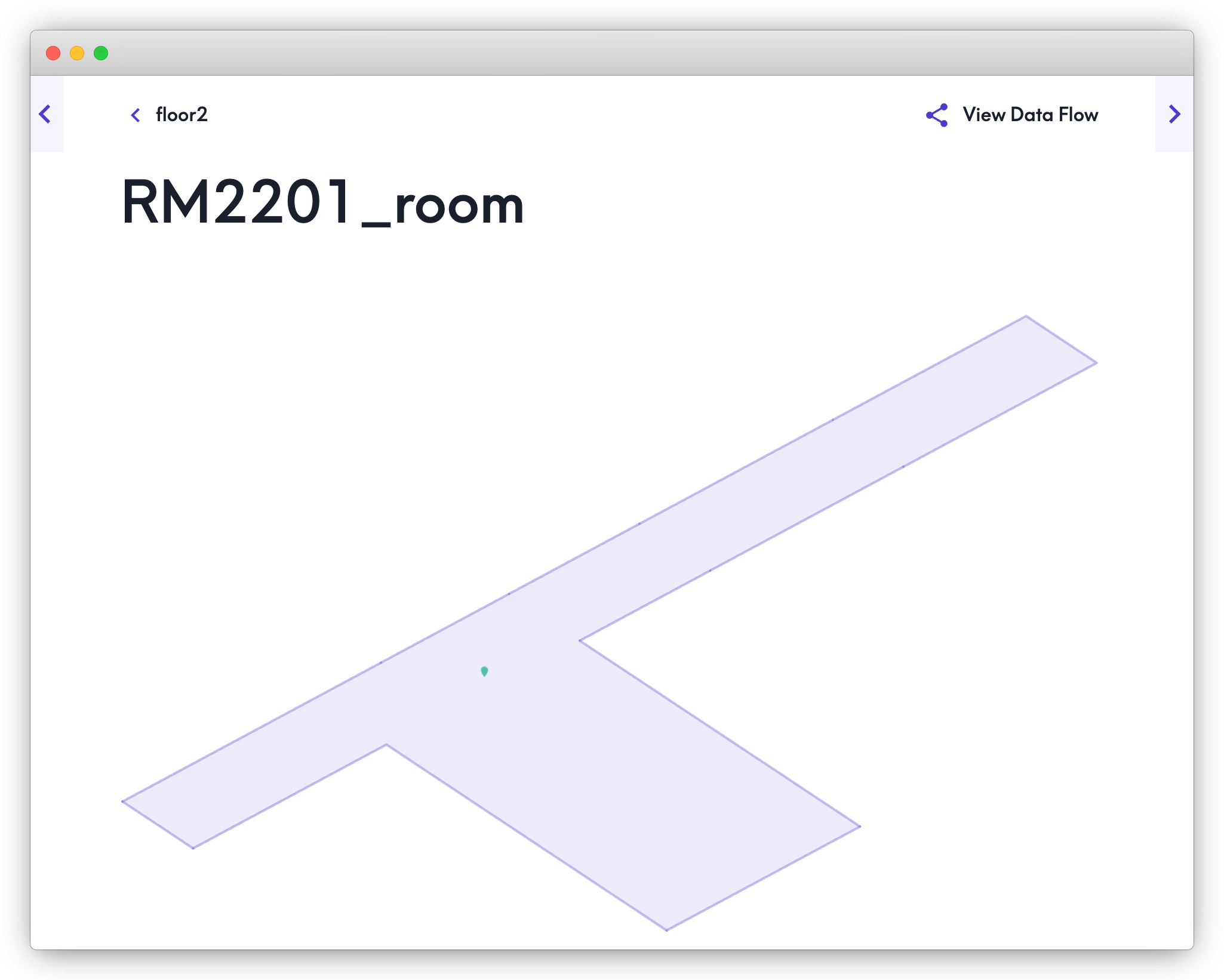
Retrieving a full list of spaces on a particular floor via the API would look like this:
{
	floors(filter: { id: { eq: "FLR8R1K5f9HtjRtVgohCAEGas" } }) {
		spaces {
			name
			id
		}
	}
}
Zones
Place Subtypes
For each core type of place, you can have subtypes. A space, for example, could be a Room, a Lobby, or maybe a Hallway. A floor could be a Rooftop, or a Basement. To see that level of detail, include the "type" and/or "exactType" fields - the latter returns the most granular, specific type available where the former includes the entire subtype hierarchy:
{
	spaces {
		type
		exactType
	}
}
Review place subtypes in the Brick schema documentation. Not all options are supported, but the majority are, depending on the layout of a place (i.e. if there's no basement, you'll never see it as a returned type).
You're also able to call places inside of things to find out where a device is located:
{
	things {
		id
		name
		places {
			id
			name
			exactType
		}
	}
}
Lastly, there is also additional relationship fields within things like hasLocation - learn more about Relationships.