Getting Help
If you need help with anything - how to questions, bug reports, feature requests, account questions or concerns - we're here for you. Here's a quick guide on how to open a ticket, view your tickets, and when we're available:
Opening a Ticket
You have two options to open a ticket:
- Via Email - [email protected]
- Via the Support Portal - support.mapped.com
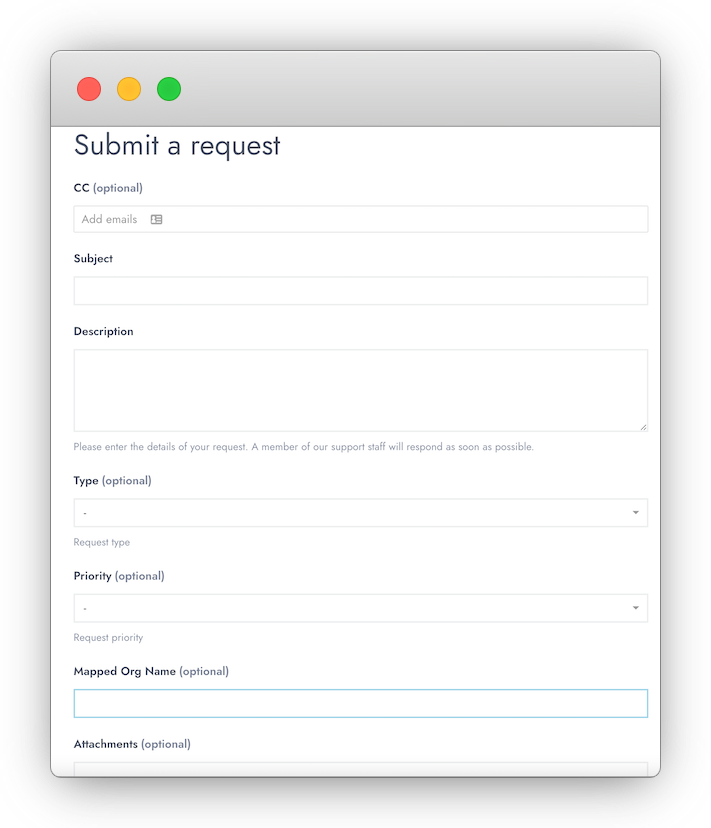
The support portal method is more robust - you can define a priority, for example - so we generally recommend that route. However if you're in a situation where email is easier, absolutely feel free to use that option as often as needed.
Viewing Tickets
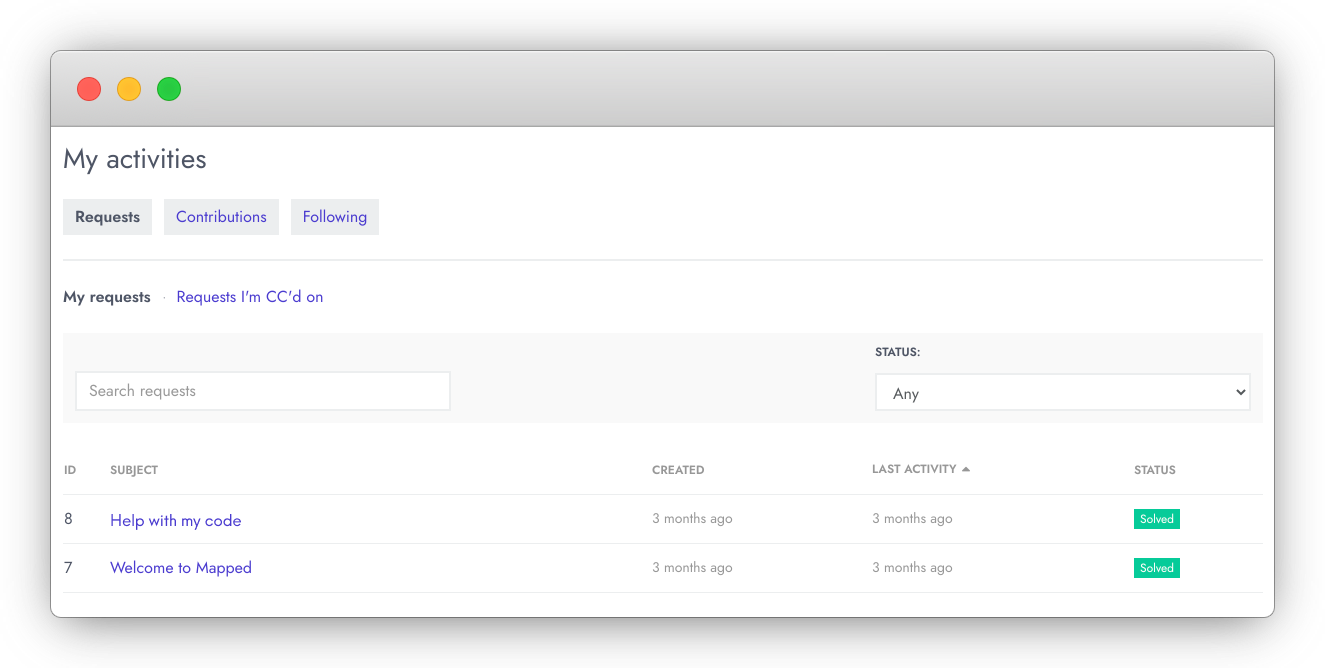
If you're logged in, you can also view your existing tickets in the Requests/Activities area of Support Portal:
Hours & Availability
We are online and available from 9 a.m. to 6 p.m. Pacific time, Monday through Friday.
Support Policy
Our Support Policy goes into deeper detail on our processes, including more elaboration on ticket priority and type definitions; we highly recommend reviewing it at your earliest convenience.